
Integrations
Connect eBay to SECND
Connect your eBay seller account so SECND can list, update, and delist for you.
Last updated 2026-08-12
TL;DR
Before you start
You need a registered eBay seller account in good standing. SECND attaches your existing eBay business policies (payment, return, shipping) to every listing it creates — if you don't have those policies set up yet, create them first in Seller Hub → Business policies, then come back.
Step-by-step
Open Connect
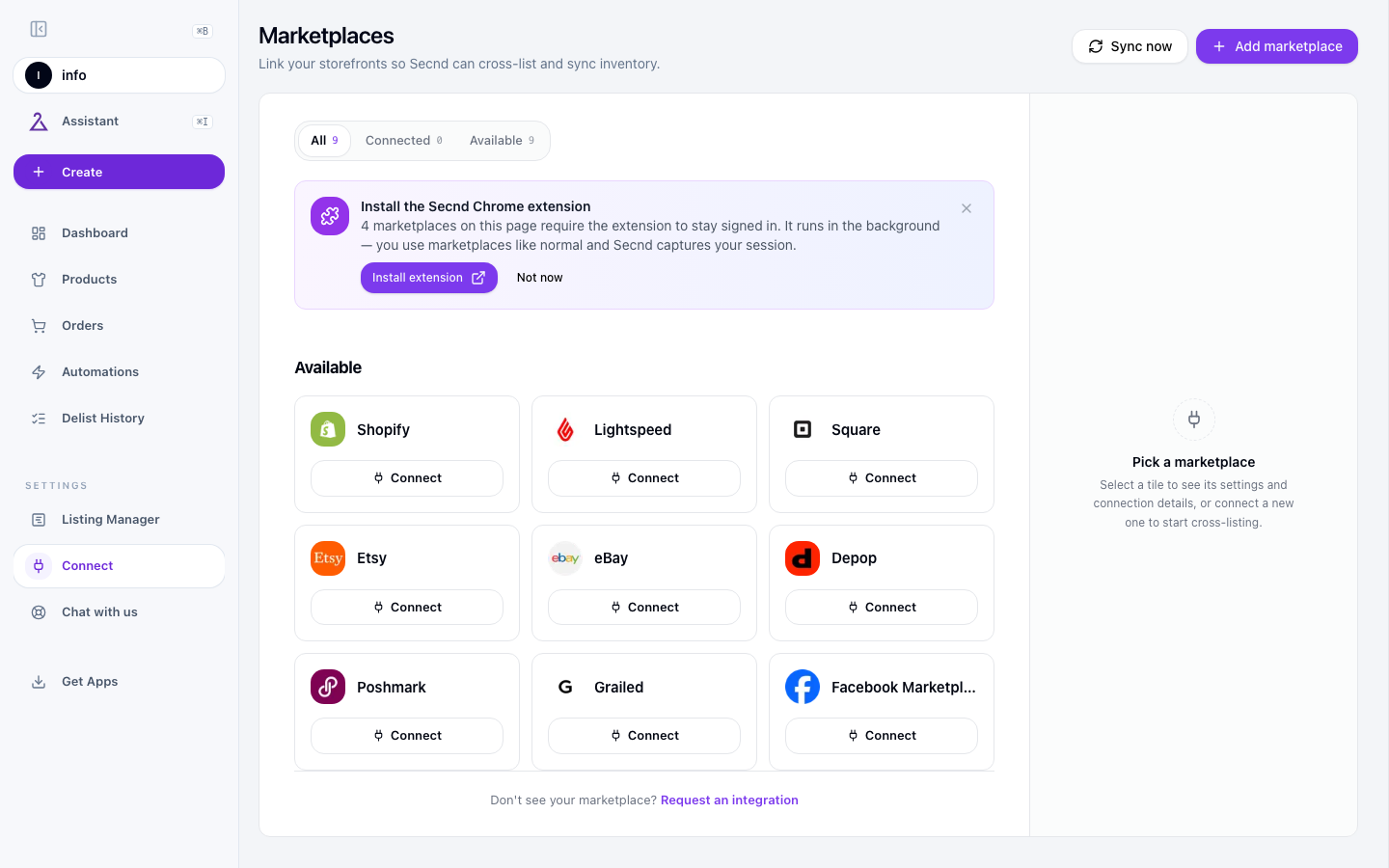
Click Connect on the eBay card
Sign in and approve
Choose a listing site and policies
Heads up
Settings to configure
Click the eBay card on the Marketplaces page. The Settings panel appears with the fields below. Listing site, all three policies, and ship-from location are required.
Listing Site
Which eBay site SECND publishes to (eBay.com, eBay.ca, eBay.co.uk, etc.). SECND seeds this from the country you registered your eBay account in. Policies belong to one eBay site, so changing it clears Payment, Return, and Fulfillment. Your ship-from location stays saved, and setup remains incomplete until you choose policies for the new site.
Payment Policy
The eBay payment policy attached to every SECND-created listing. SECND pulls the list of policies from your eBay account — pick one. If the dropdown is empty, create a payment policy in Seller Hub first.
Return Policy
Same idea, for returns. SECND lists the return policies you already have in eBay.
Fulfillment Policy
Your shipping policy — carrier(s), handling time, who pays. SECND lists the fulfillment policies from your eBay account; pick the one you use for most items.
Location
The return address SECND tells eBay your items ship from. SECND reads the locations on your eBay account; if the dropdown is empty, add a merchant location in eBay or in the SECND desktop app first.
Pricing Format
Fixed price (the default) or Auction. Choosing auction reveals duration (1-10 days), starting bid (% of list price), and optional reserve price (% of list price).
Accept Offers
Whether buyers can submit offers on new listings. When on, set Auto-accept (% of list price at which SECND auto-accepts) and Auto-decline (% below which SECND auto-declines). Conservative defaults: accept ≥ 90%, decline < 70%.
Country of Origin
Whether SECND attaches a Country of Origin item-specific to listings. Disabled (don't send it), Use product's Made In (per-product), or Use default country (one country for all).
Common issues
Related guides
Quick Start: Your First 15 Minutes
Sign up, work through the Get Set Up checklist, connect a marketplace, import, cross-list, automate.
Connect Poshmark to SECND
Connect your Poshmark closet using cookie-based authentication.
Connect Etsy to SECND
Connect your Etsy shop and configure shipping profiles and return policies.
Have a question that isn't answered here? Contact the SECND team.